Power Apps Gallery Designs
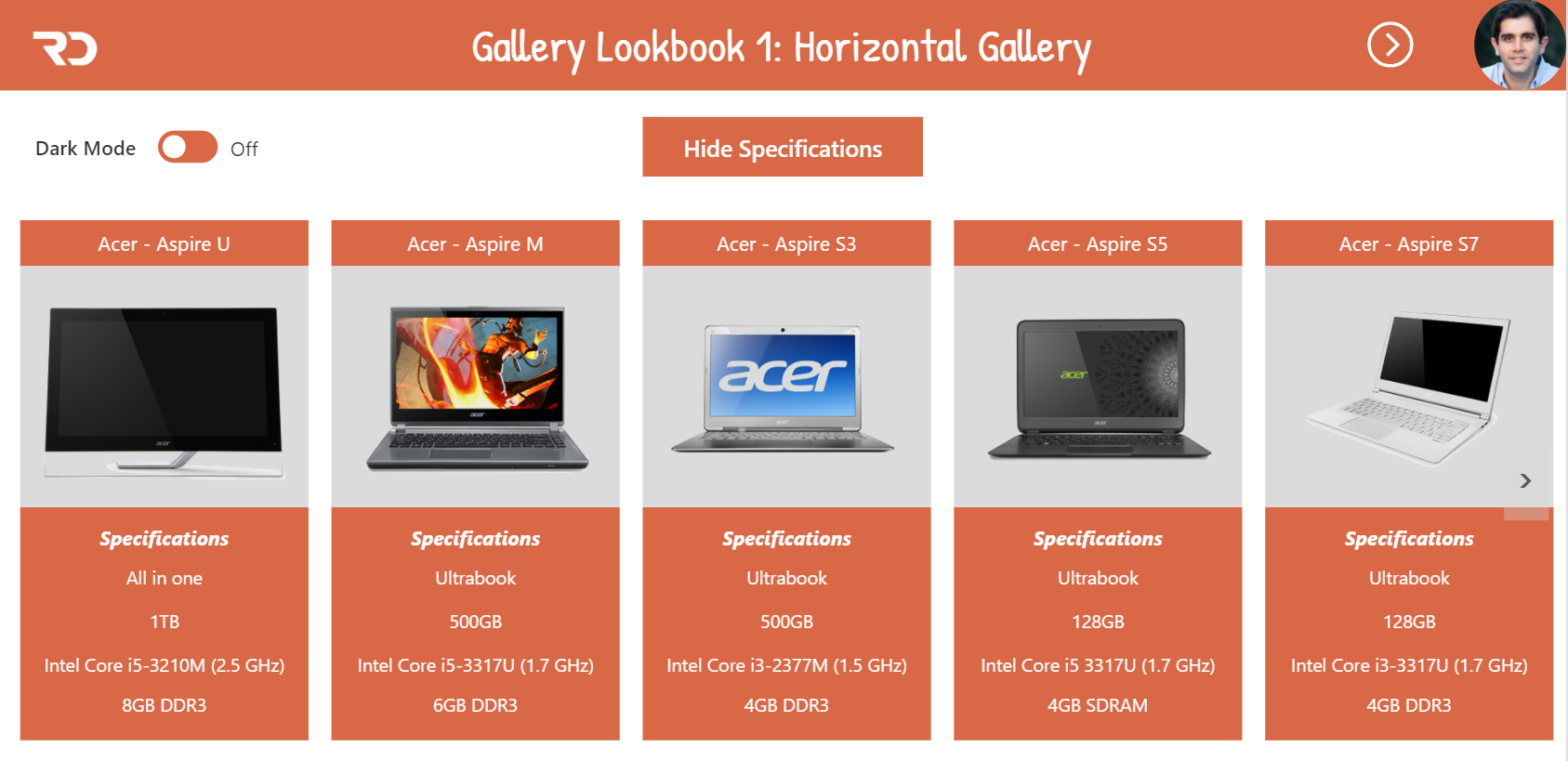
Learn Share Repeat
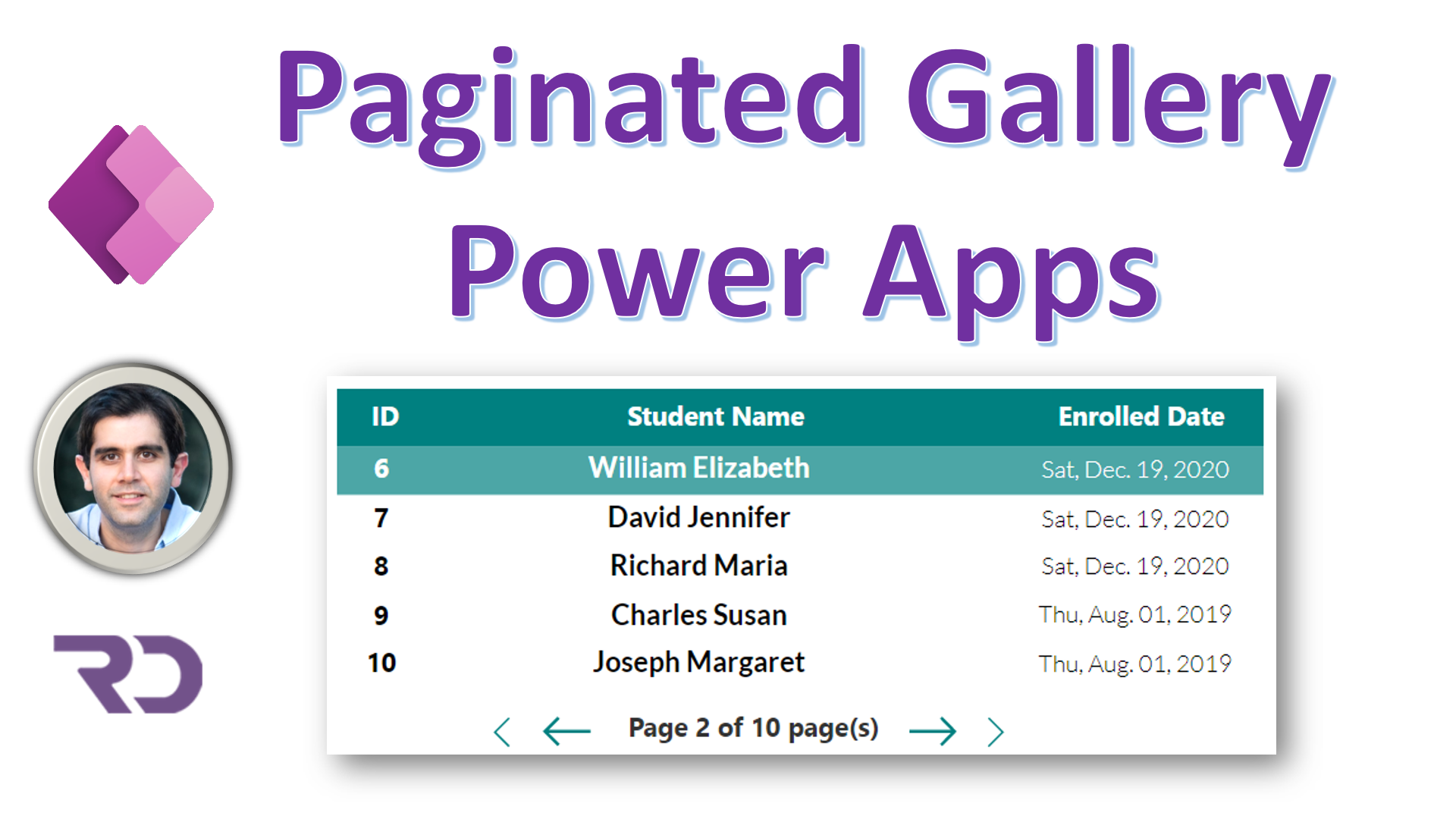
Step 1: Add a gallery using the Blank template. Name it galHidden. This Gallery will be used to query the data source. For the Items property of this gallery, define your query against your data…Continue Reading
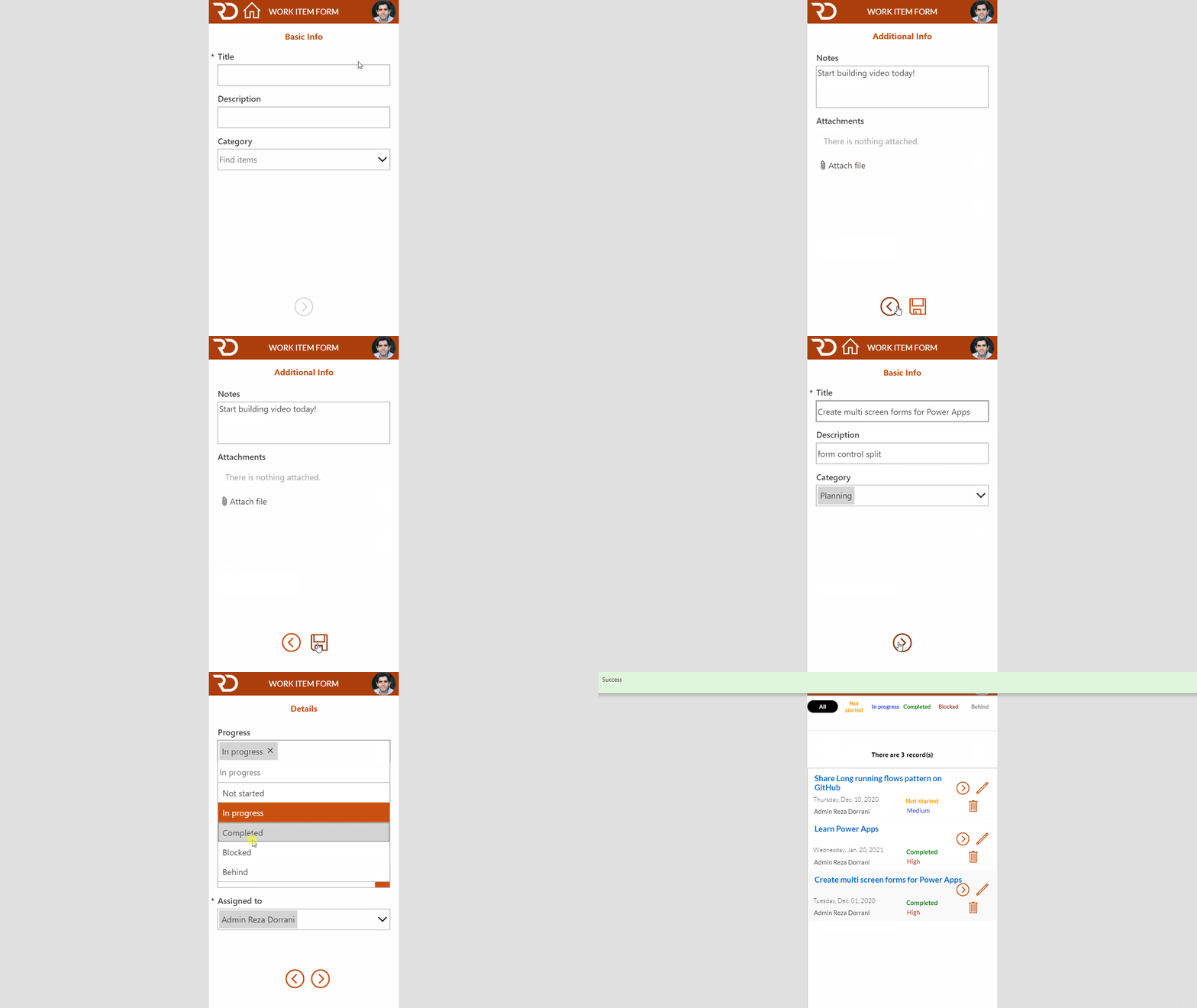
In this Microsoft PowerApps tutorial for Multi-screen forms, we will walk through breaking up a form control across multiple screens and submitting and validating the form data with a single action. This creates a wizard…Continue Reading