Power Apps Gallery Designs
Learn Share Repeat
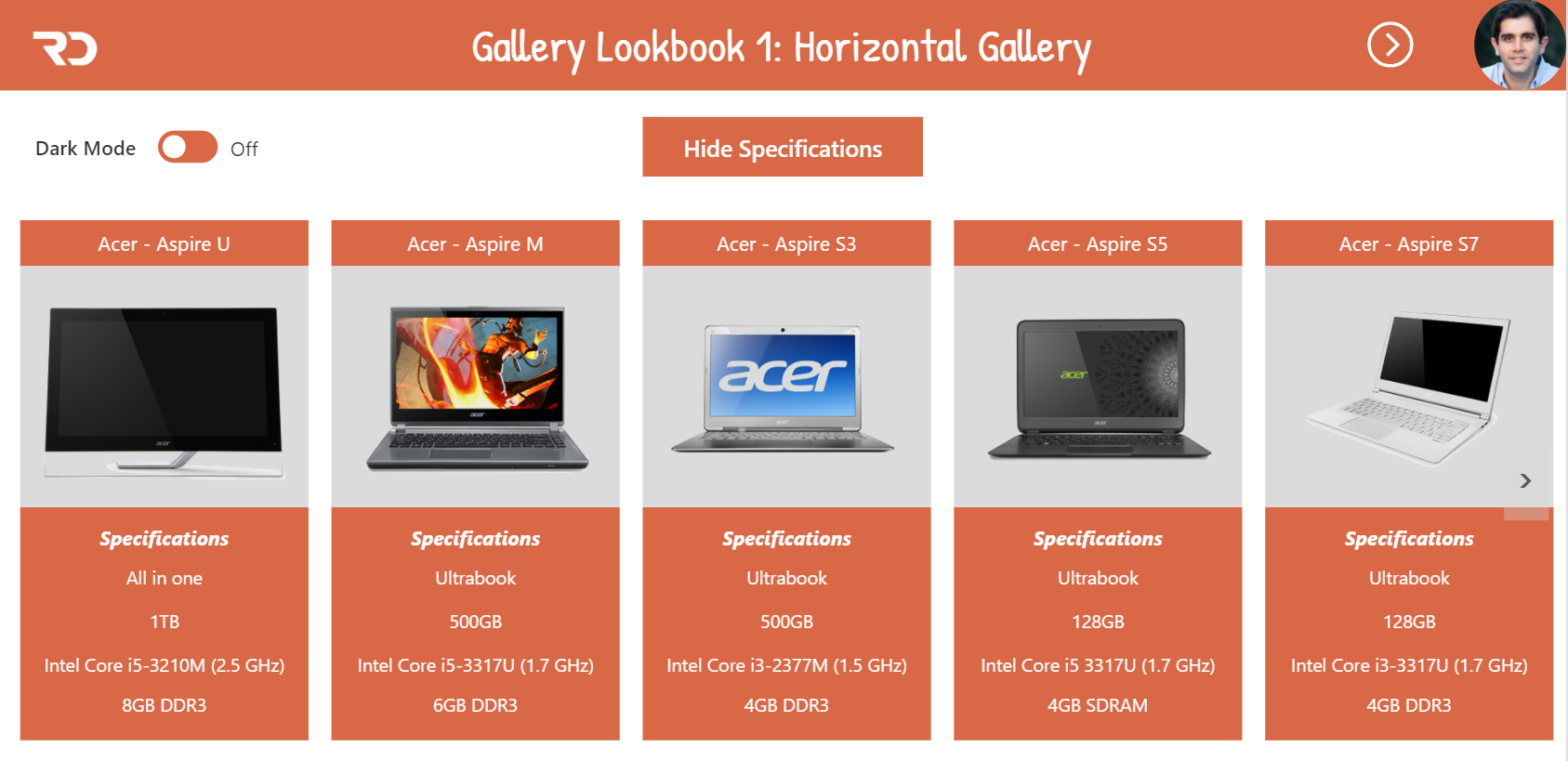
Step 1: Add a gallery using the Blank template. Name it galHidden. This Gallery will be used to query the data source. For the Items property of this gallery, define your query against your data…Continue Reading
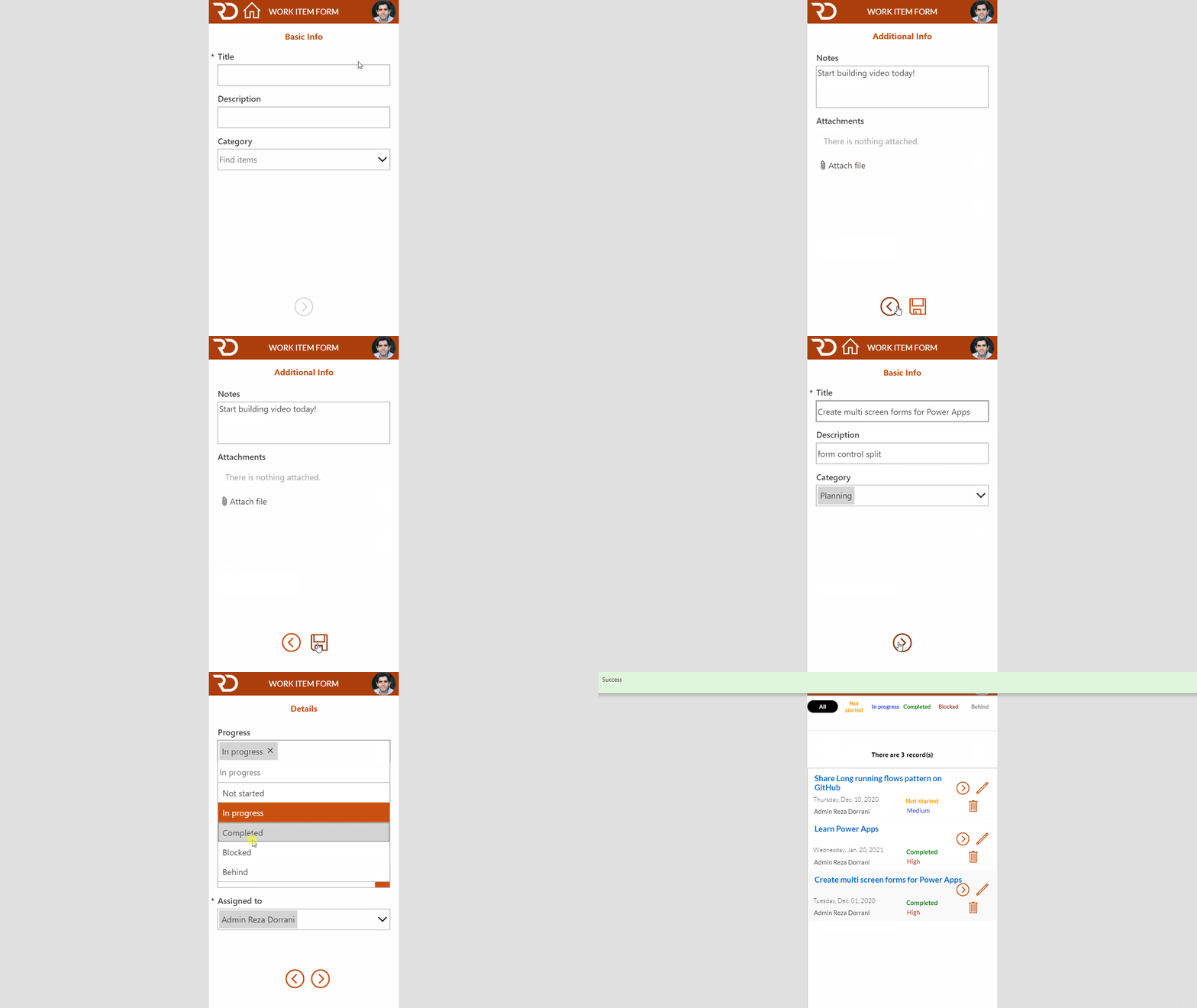
In this Microsoft PowerApps tutorial for Multi-screen forms, we will walk through breaking up a form control across multiple screens and submitting and validating the form data with a single action. This creates a wizard…Continue Reading
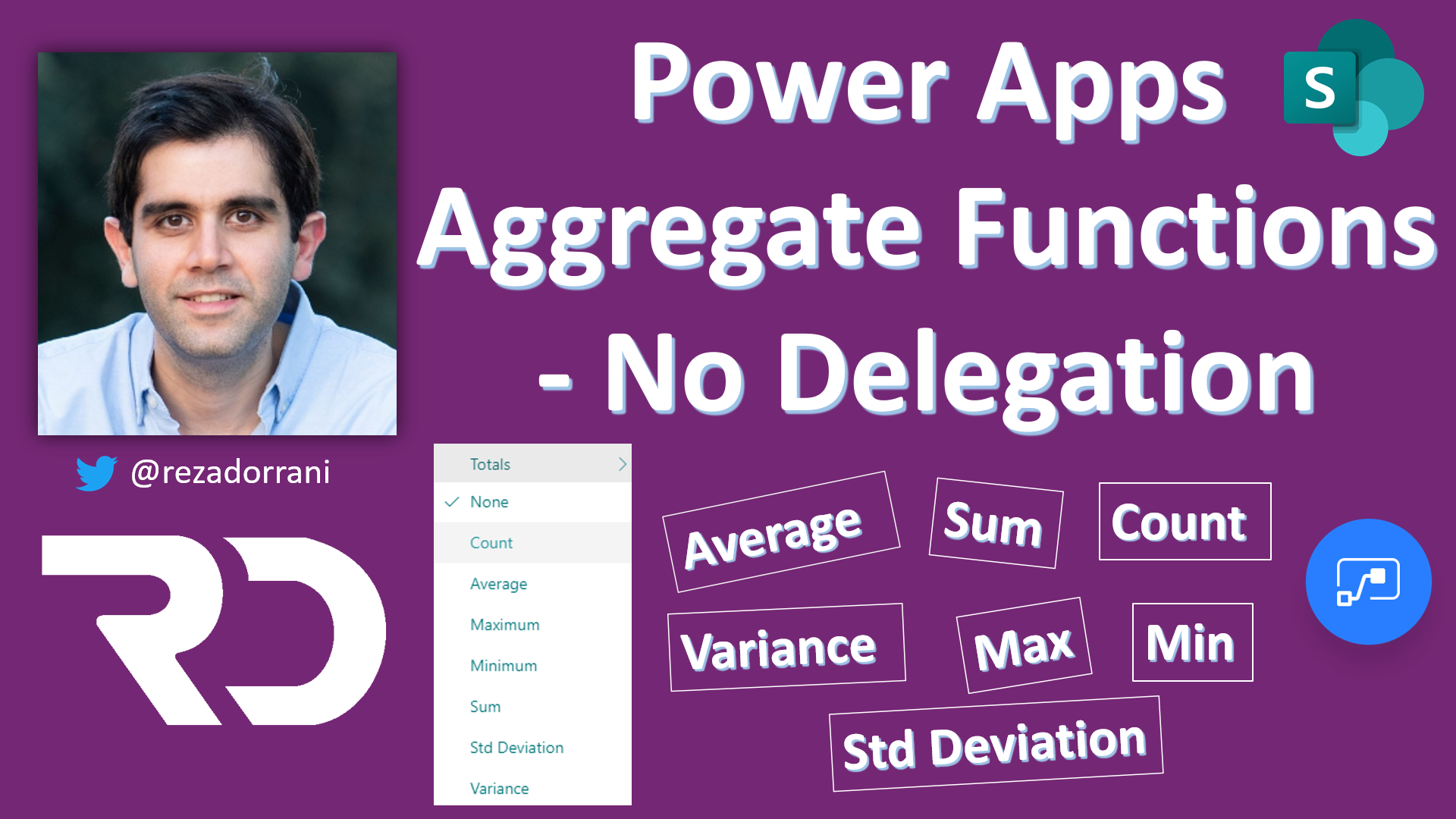
The Challenge Many a times we come across a scenario where we need to the aggregate functions in Power Apps for a SharePoint list/library. Aggregate functions – Average, Max, Min, StdevP, Sum, and VarP Aggregate…Continue Reading
The Challenge Many a times we come across a scenario where we need to showcase the total count of items in a SharePoint list or library in Power Apps. Aggregate functions in Power Apps are…Continue Reading
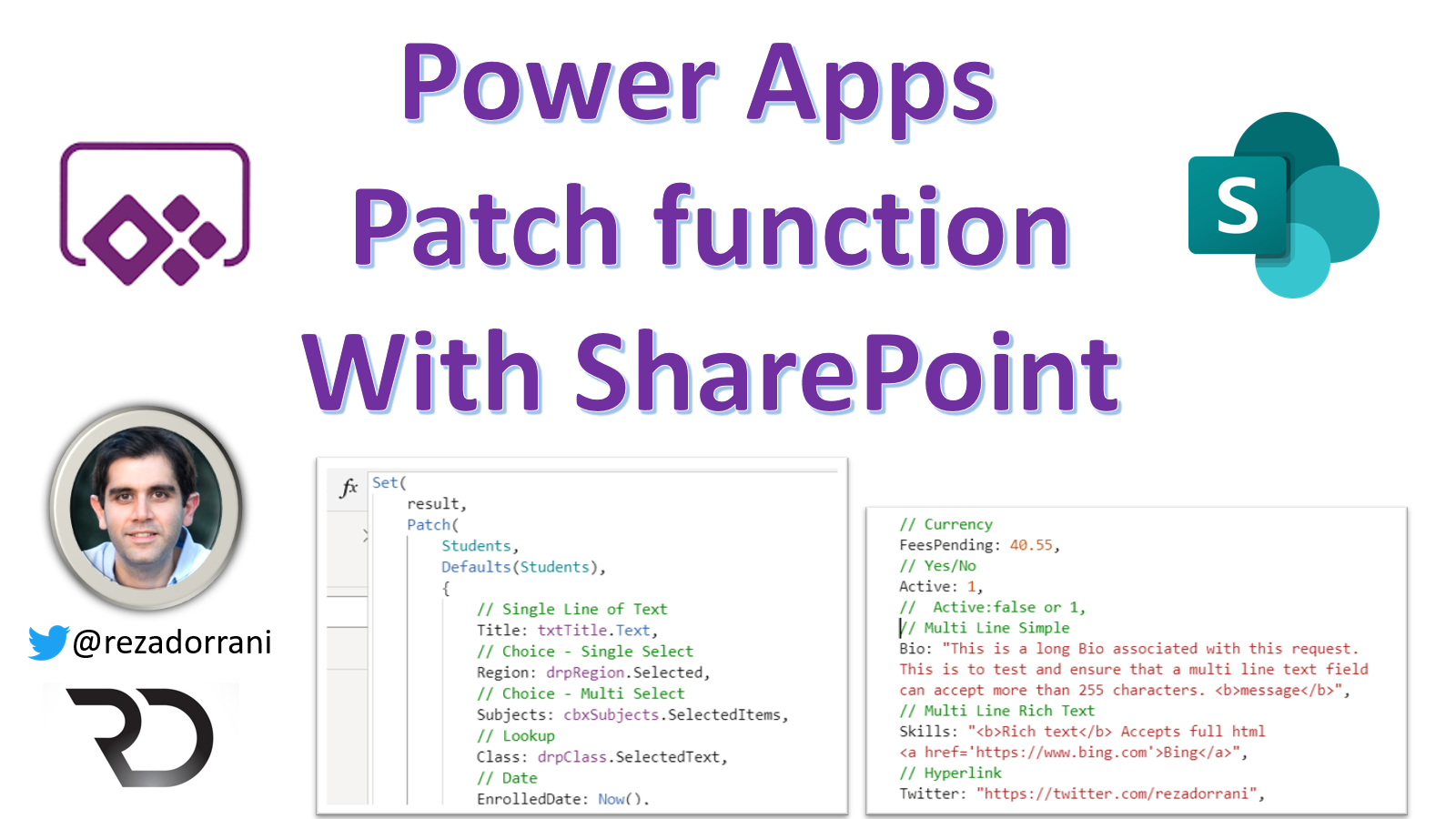
Patch function – modify or create one or more records in a data source Patch Syntax Create record in data source Patch(DataSource, Defaults(DataSource), {Record} Update record in data soure Patch(DataSource, Item, {Record}) SharePoint Columns Patch syntax Choice…Continue Reading
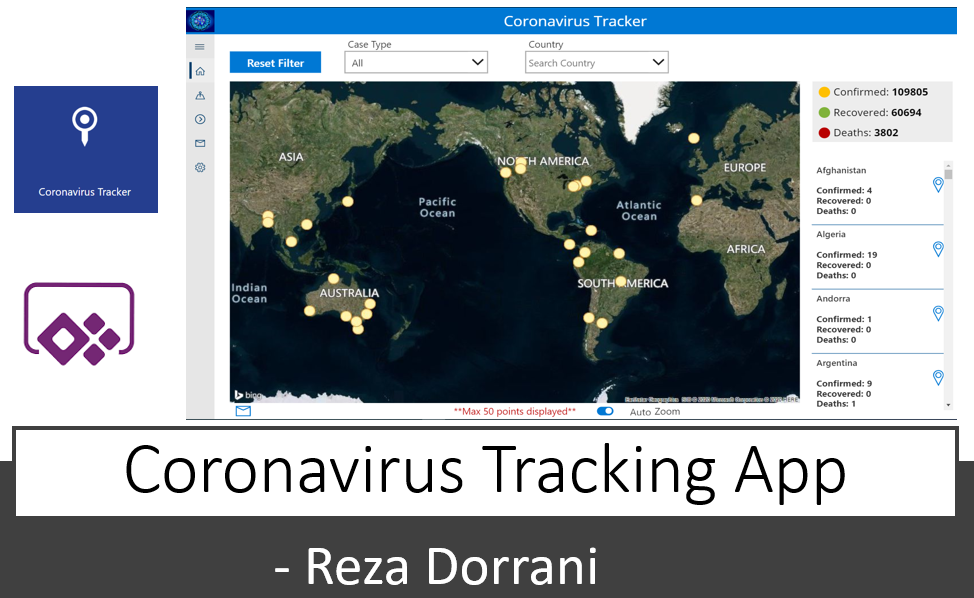
The Coronavirus Tracking application tracks the spread of COVID-19 cases globally The Main App features include:1) Track the COVID-19 cases worldwide on a Map. Filter data points by Case Type, Country or Region2) Track COVID-19…Continue Reading
What is Delegation? Part 1 of my PowerApps delegation Vlog series This video will walk through the concept of Delegation in PowerApps Delegation is an important concept to understand in order to work with large…Continue Reading

SharePoint Below is a simple SharePoint list called “Cars” IsNew is a column of type “Yes/No” When trying to filter the SharePoint list view using the Yes/No column the filter formula in the browser url…Continue Reading
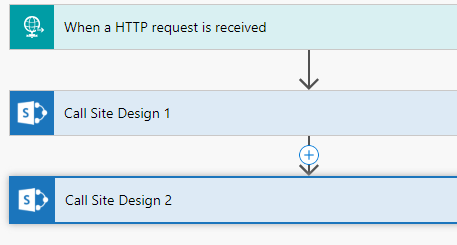
What is a Site Design? Site designs and site scripts provide the ability to automate provisioning of Modern SharePoint sites. Site designs are like templates. They can be used each time a new site is…Continue Reading